
How it works
One recording goes through two passes. The first is fast and lives on the device. The second is thorough and produces the record.
Capture
Three ways in, depending on where the proceeding is.
- In the room, on your phone or tablet. The app records and transcribes on the device, with no connection needed. Basements, rural courthouses, and airplane mode are all fine. Get it on the App Store.
- From a multichannel recorder. Upload the WAV straight from the mixer or recorder already installed in the courtroom or deposition suite. Every channel is preserved. No recorder yet? Advice on microphones and setup comes with getting started — one microphone per speaker, each on its own channel, is the whole trick — so ask before you buy.
- Remotely. Paste a Zoom, Teams, Webex, or Google Meet link and a recording participant joins the proceeding, on a schedule if you want it to. Each remote participant arrives on their own audio stream.
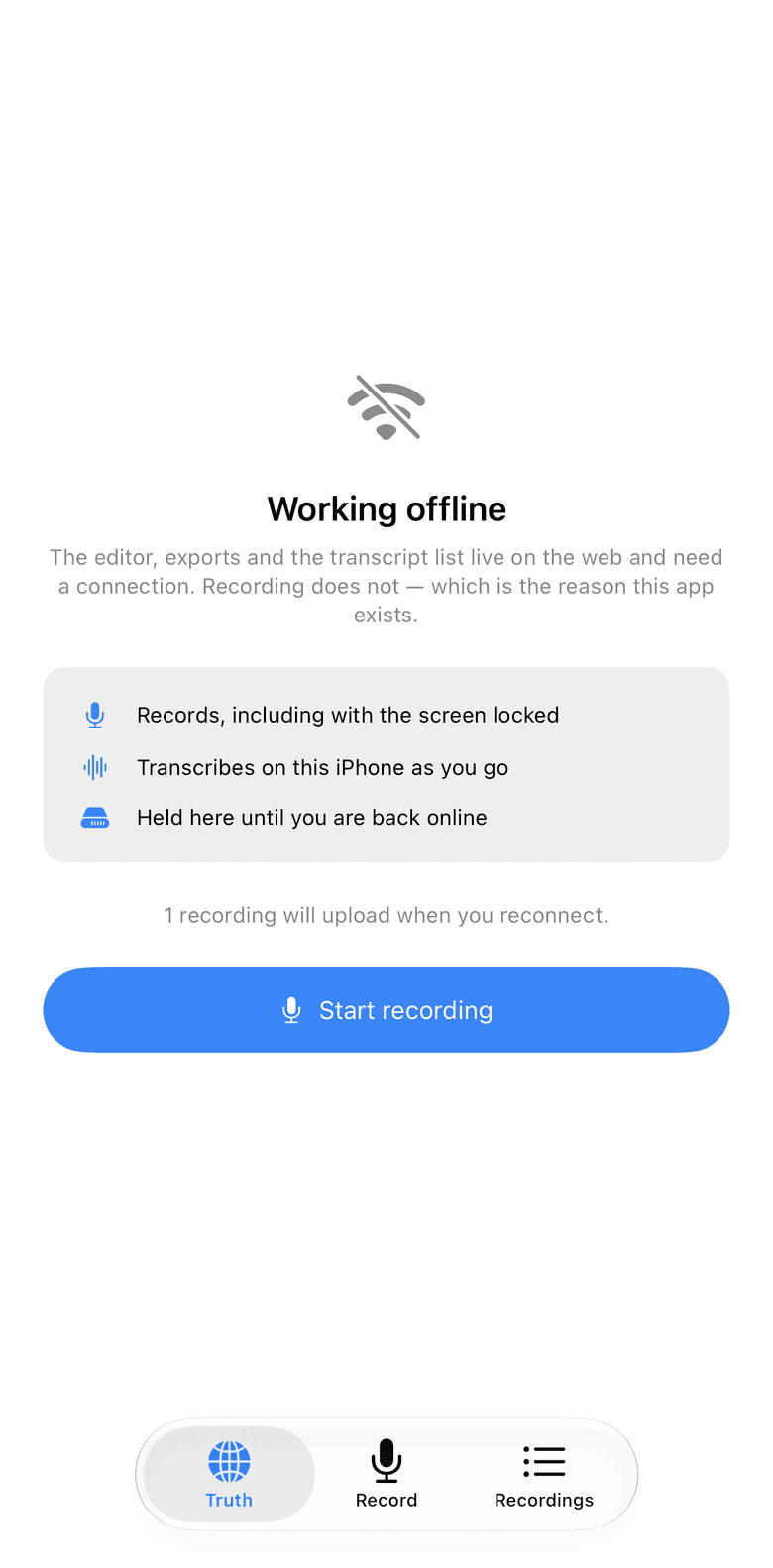
Airplane mode. Recording and the draft do not need a signal; the upload waits. Read the draft immediately
The on-device pass produces a plain, timestamped transcript while the proceeding is still going. It is one stream with no speaker labels and it will contain the usual recognition slips, which is exactly what a preliminary draft is for: reading back, searching for a phrase, confirming what was said before anyone leaves.
It is stored with the recording and shows in the editor the moment the upload lands, before post-production has started.
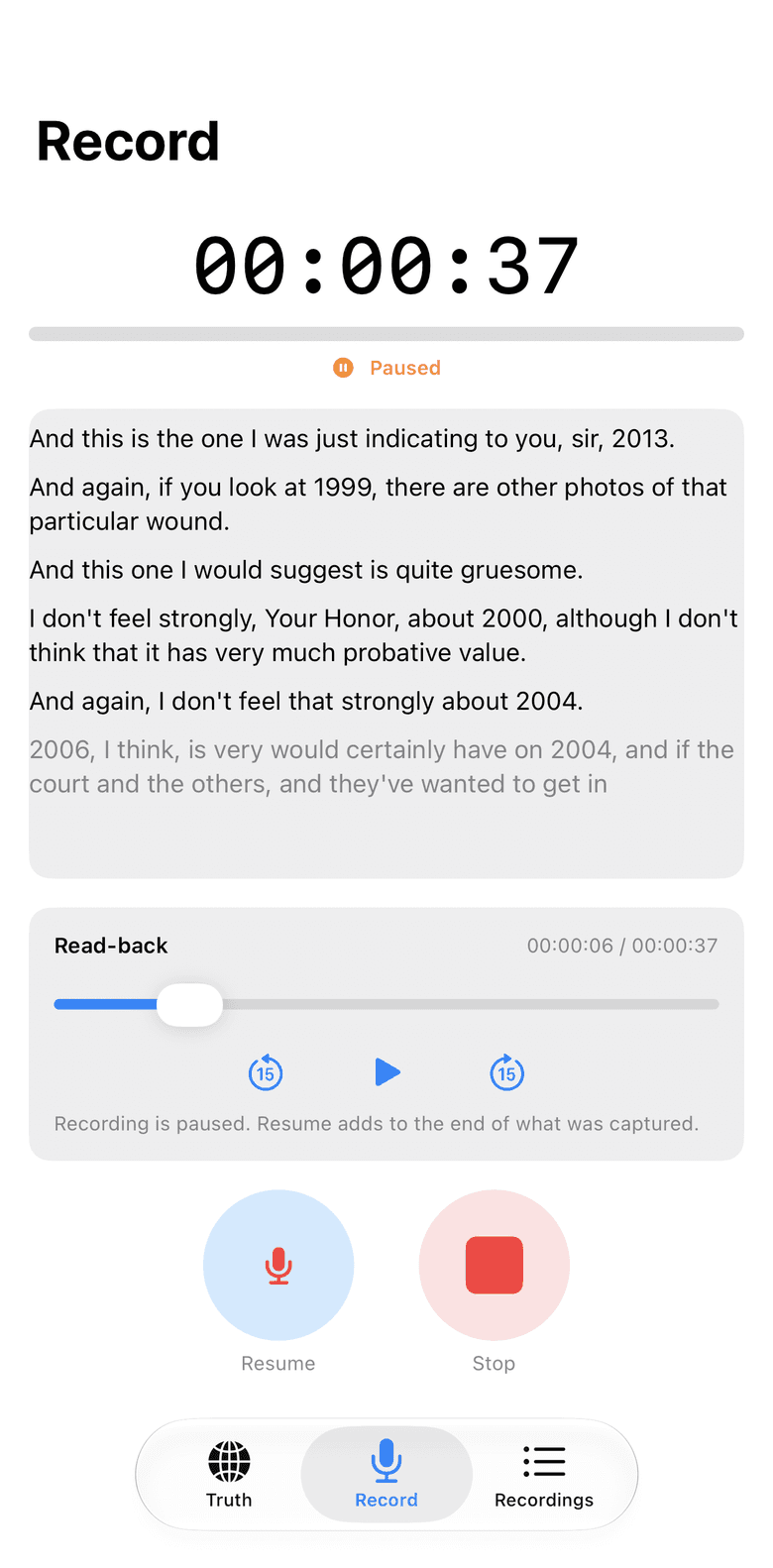
Paused to read back. Scrub the audio against the draft; resume, and the recording picks up where it left off. Post-production
When the recording reaches the server it is transcribed in full, and every word is attributed to the microphone that carried it. The finished draft replaces the on-device one when it is ready.
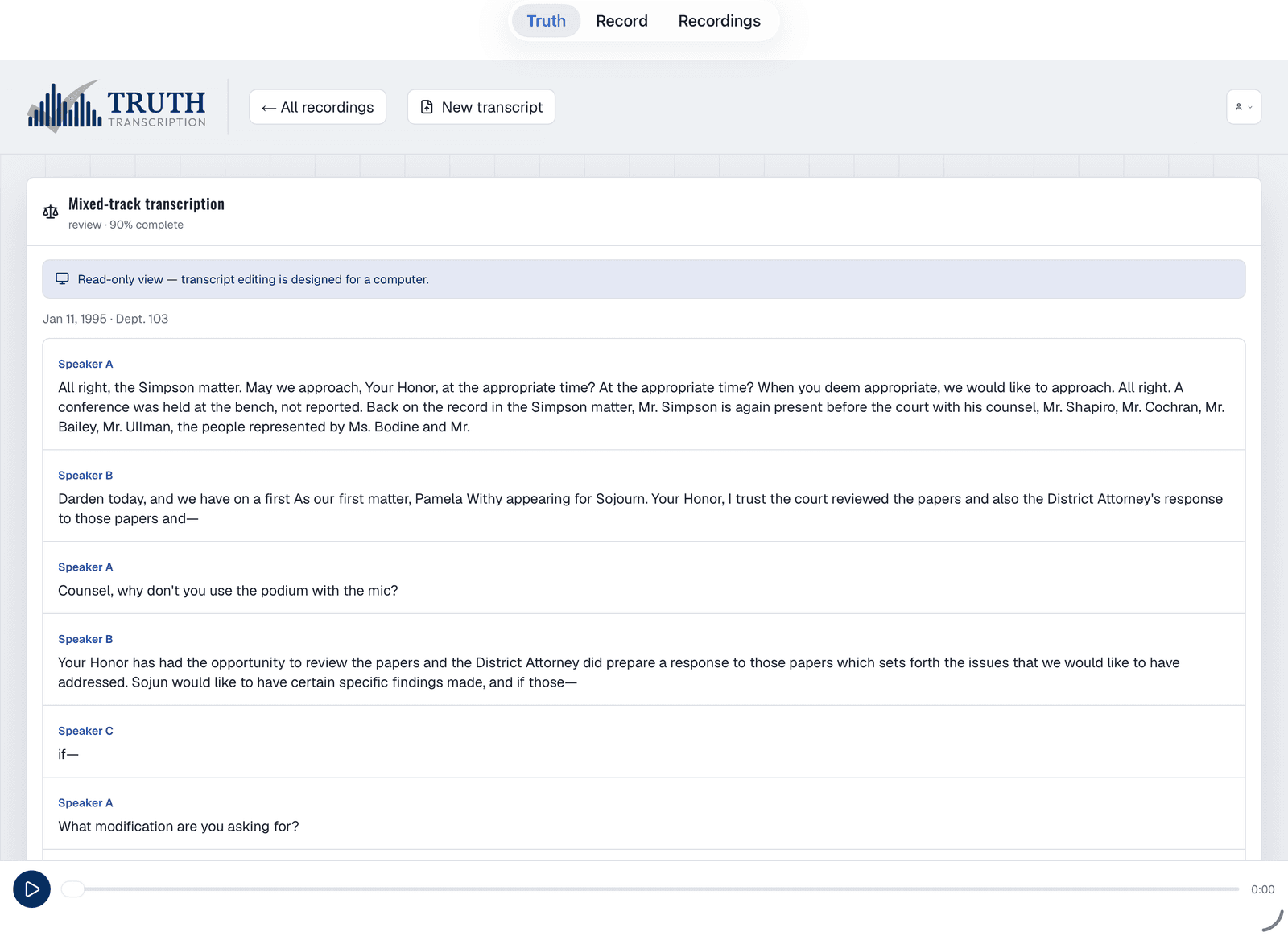
The reviewed record, with playback, on the iPad in the hallway. Review
Name the channels once and every line takes its speaker. Then read against the audio: click any word to play from there, edit in place, and word timings survive the edit so playback stays aligned. Find and replace works across the whole record, so a misheard surname is fixed in one action. Low-confidence words are marked so you know where to listen closely.
For recordings where several people shared one microphone, the app proposes who the distinct speakers are and offers to fold them together, with the evidence it used. Nothing is applied until you accept it.
Export
Court-formatted text, PDF, or Word: numbered lines, speaker designations, Q and A, with the cover, appearances, certificate and word index laid out for you, ready for your signature. Share a transcript with a colleague or client without sending files around.
Watch it run on your audio
Send a recording and see the finished transcript.